What Modulors does well
Modulors is cabinet and furniture design software that runs in your browser. Here are the five things it does best, and what it doesn't do, so you can tell in a few minutes whether it fits your work.
Free for 30 days — no card needed.
Sign in with a code sent to your email. No password to remember.
1From the design to the shop, typed in once
The cut list, the sheet layouts and the CNC files all come from the model you drew. Change a size and every one of them follows, so nothing is entered twice and nothing falls out of step.
More about the cut list and the DXF files- A cut list of every panel with its size, thickness, quantity and grain direction: print it, or download it as a CSV.
- Sheet layouts packed onto your stock boards: straight through-cuts for a panel saw, or any layout for a CNC router, with wood grain kept along the board.
- A DXF for every panel and every sheet, with the outline, hinge cups, system holes and pilot holes each on its own layer, ready for your CAM software.
2A live 3D link for your customer
Publish a link and your customer opens the design in their browser, on a phone too. They turn it and open the doors and drawers, and if you allow it, they try the colours from your palette.
More about the 3D link for your customer- No account and no app on their side: the link is all they need.
- Show your sell price if you want to. Your costs and your margin never appear.
- Change the design and press Update link: the same link shows the new version. Stop sharing, and it stops working.
3Nothing to install, nothing to commit to
Modulors runs in a current browser on Windows, Mac or Linux. Your projects save as you work, so you can pick up on another computer.
- Free for 30 days with no card, with real cut lists and real files to take to the shop.
- Then one plan, monthly or yearly. Cancel any time from Billing, and your projects stay open.
- In ten languages: English, Turkish, French, German, Spanish, Japanese, Polish, Portuguese, Russian and Chinese.
4Everything in one plan
There are no tiers and no add-ons to buy: every feature is in the one plan, and new ones arrive as they ship.
- Cost and sell price from your own price list: boards, hardware, labour, waste, margin and tax.
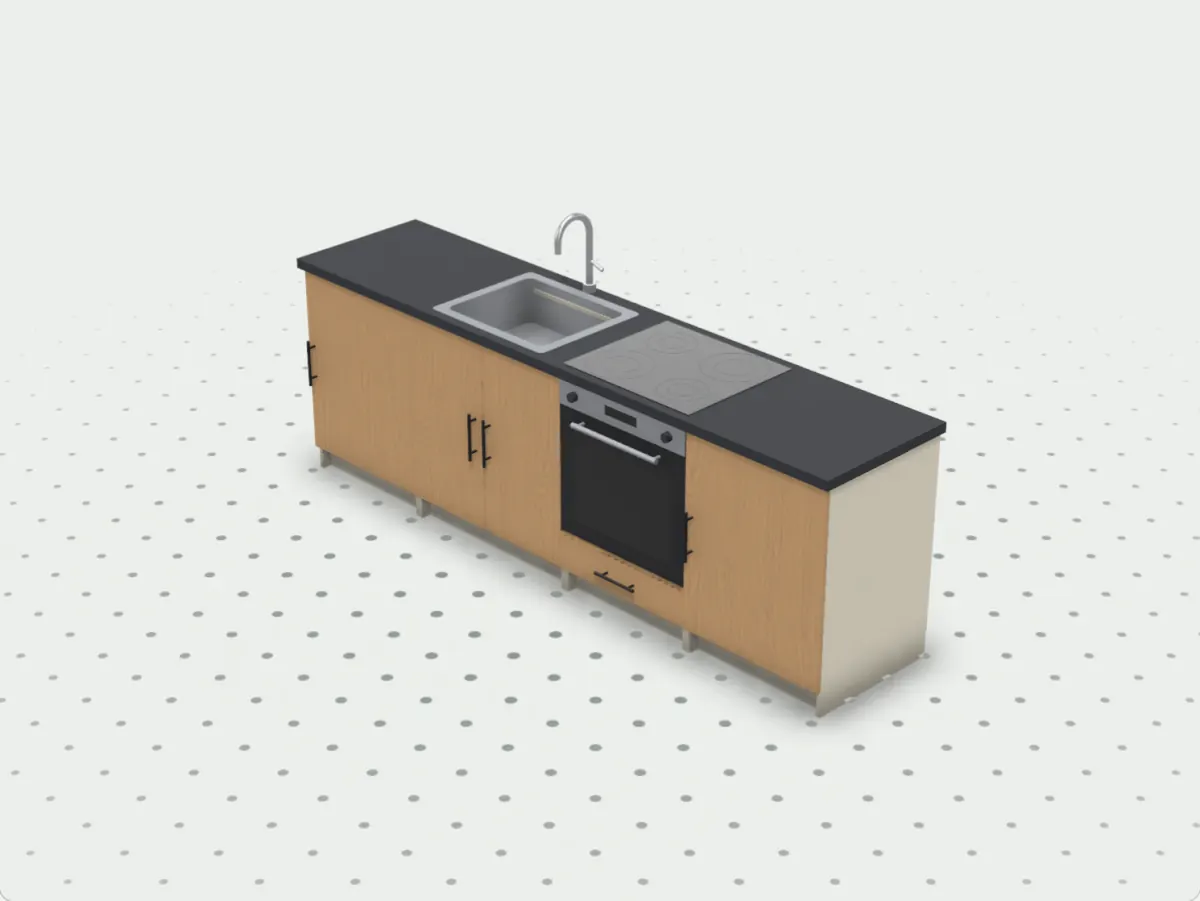
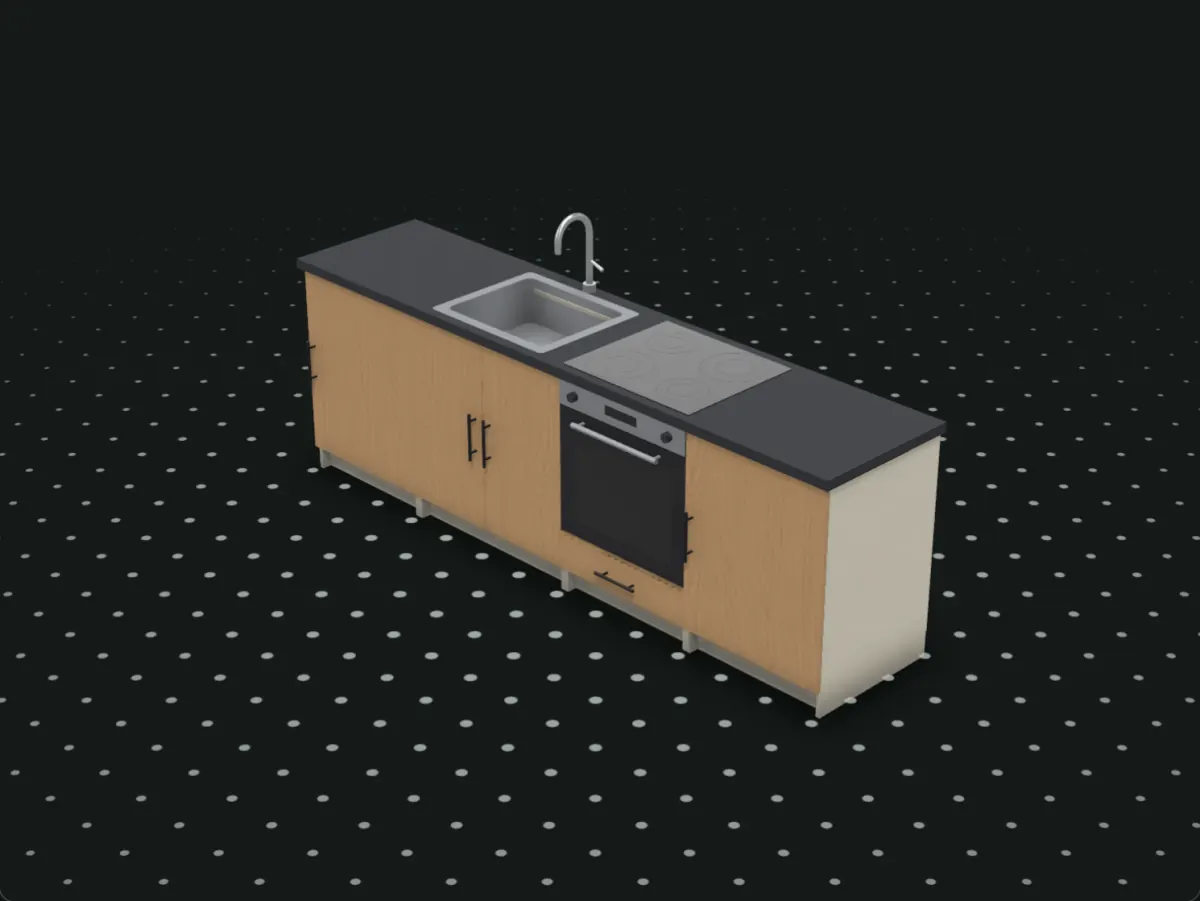
- Rooms with walls, windows and lights; kitchen runs under one counter with a sink, hob, oven and fridge; tables.
- Photoreal renders of the design to send your customer, in a browser with WebGPU.
5CNC carving on any panel
Lay a pattern from the built-in library onto a door, a drawer front or a wall panel, and it comes out as grooves your router can cut.
- 38 patterns in five groups: basic shapes, geometric stars (Islamic and Ottoman lattices), classic woodwork, Japanese kumiko and Art Deco.
- Fit, stretch or tile it, carve chosen shapes whole as sunken areas, and set the depth and the V-bit. It stays clear of the handle.
- You see it in 3D and on your customer's link, and it goes into the DXFs on its own layers, with each panel's depth and bit listed.
What Modulors doesn't do
Better to know now than after a week of trying it.
- No G-code and no post-processors. The DXFs go into any CAM software that reads DXF, which writes the toolpaths for your machine.
- Frameless 32 mm Euro cabinets in millimetres only. Face-frame cabinets and inches aren't supported yet.
- One person per account: no teams or shared projects yet.
- Hinges, runners and handles are generic, priced from your own list, not a catalogue of real products with order codes.
- No sliding doors, hanging rails or shoe racks yet.
Questions
Will it run my CNC?
Not by itself. Modulors writes DXF files, one per panel and one per sheet, with every operation on its own layer, and your CAM software turns them into toolpaths. With a panel saw instead, set the sheet layout to Panel saw and cut from the cut list.
Can I try it before I pay?
Yes: 30 days free with no card, up to 10 projects, with every feature and every download. You sign in with a code sent to your email.
What happens to my work if I stop paying?
Your projects stay in your account, and you can still open and edit them; the links you published keep working. Downloads, new projects and new links wait until you're on a plan again.
Who is it for?
People who design and build furniture: makers and small workshops cutting their own boards, interior and furniture designers sending a client the design, and people building their own.
Does it work on a Mac, a tablet or a phone?
On a Mac, yes: in a current Safari, Chrome or Edge, with nothing to install. Your customer's link opens on phones and tablets too; to design, a computer with a mouse or trackpad works best.
See if it fits your next job.
Start from a template and have a cut list in minutes.
Free for 30 days — no card needed.
Sign in with a code sent to your email. No password to remember.