A live 3D link for your customer
Publish a link from any design and your customer opens it in their browser. They turn it, open the doors and drawers and, if you allow it, try the colours from your palette with your price beside it. Here's what they see, what you decide and what the link doesn't do.
Free for 30 days — no card needed.
Sign in with a code sent to your email. No password to remember.
1What your customer sees
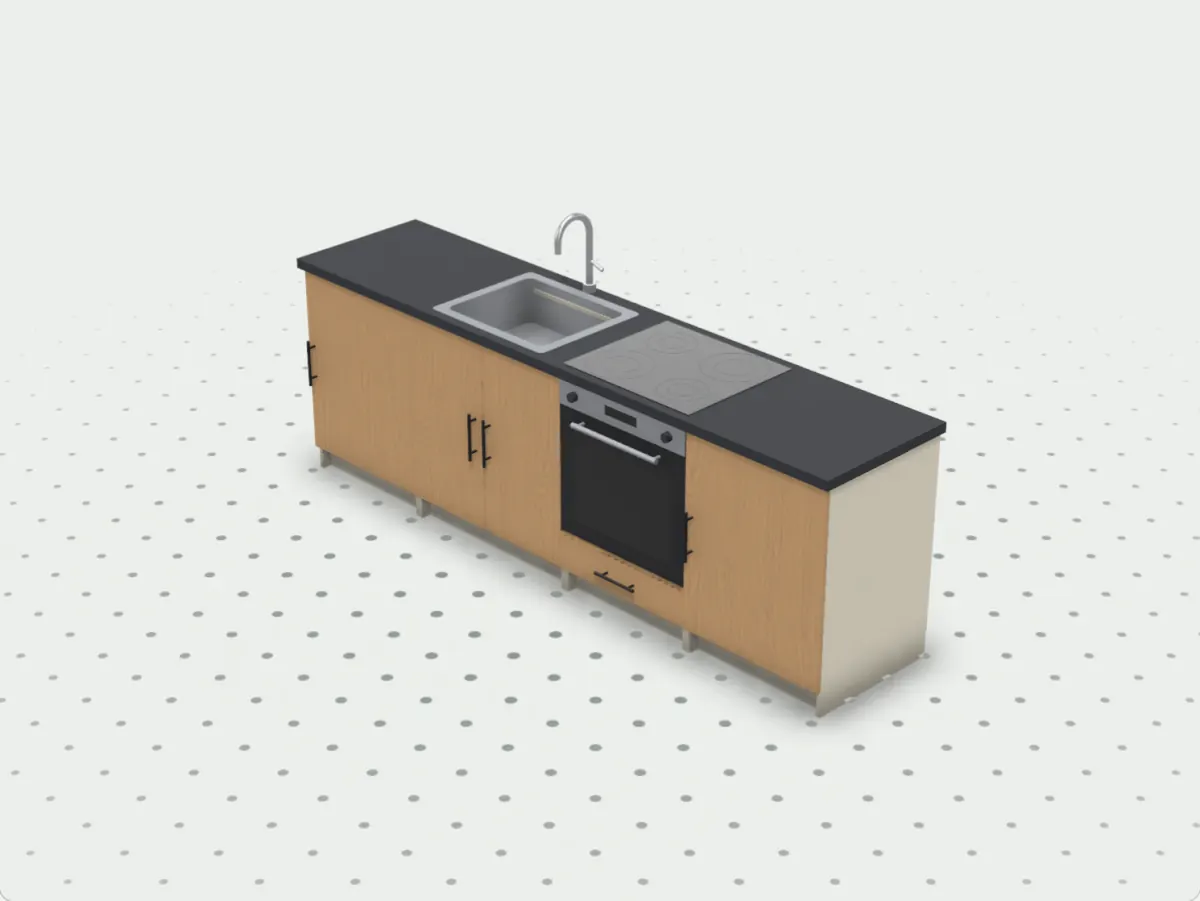
The design as you drew it, in live 3D, in a current browser on a phone, a tablet or a computer.
- No account and no app on their side: the link is all they need.
- They drag to turn it, zoom in, and click or tap to open the doors and slide out the drawers.
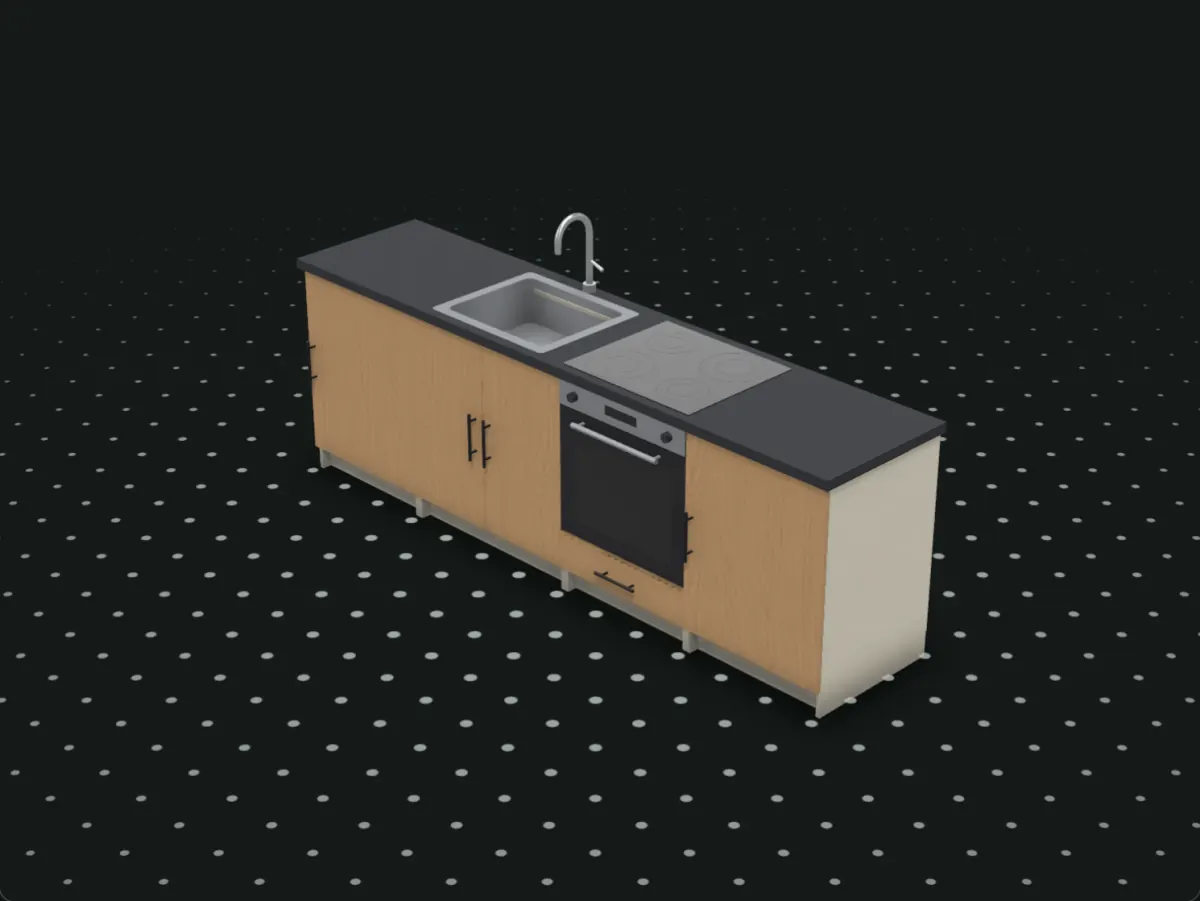
- Your finishes and carving come along, and so does the room you drew: walls, windows, the fridge and your lights, with a switch between studio light and the room's own.
- The link's buttons and labels follow their browser's language, in any of the ten Modulors speaks.
2What you choose to show
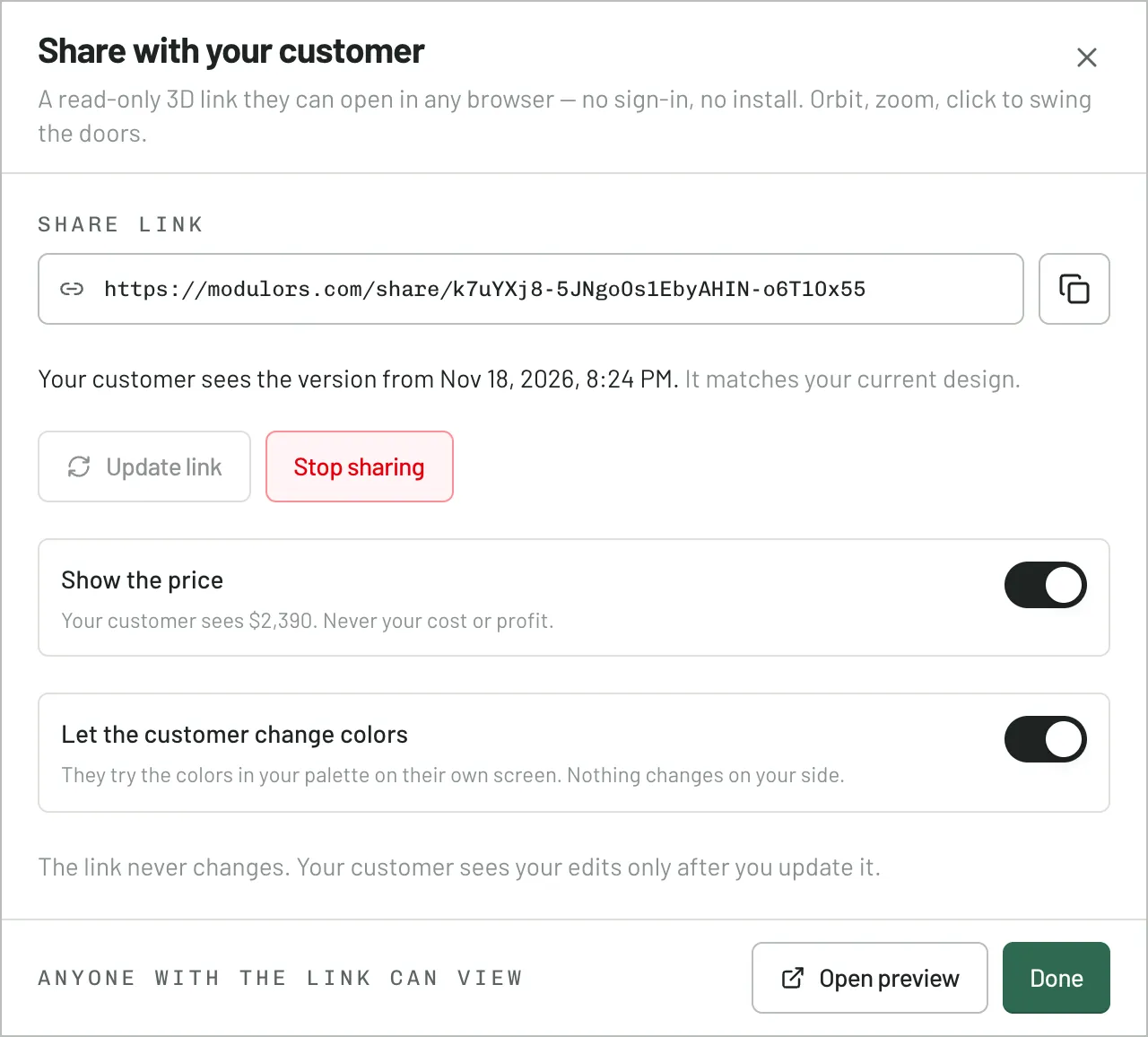
Sharing is one dialog in the editor: create the link, copy it, and switch on what your customer gets beside the design.
- Show the price: your sell price for the design, with tax if you charge it. Your costs, rates and margin never appear.
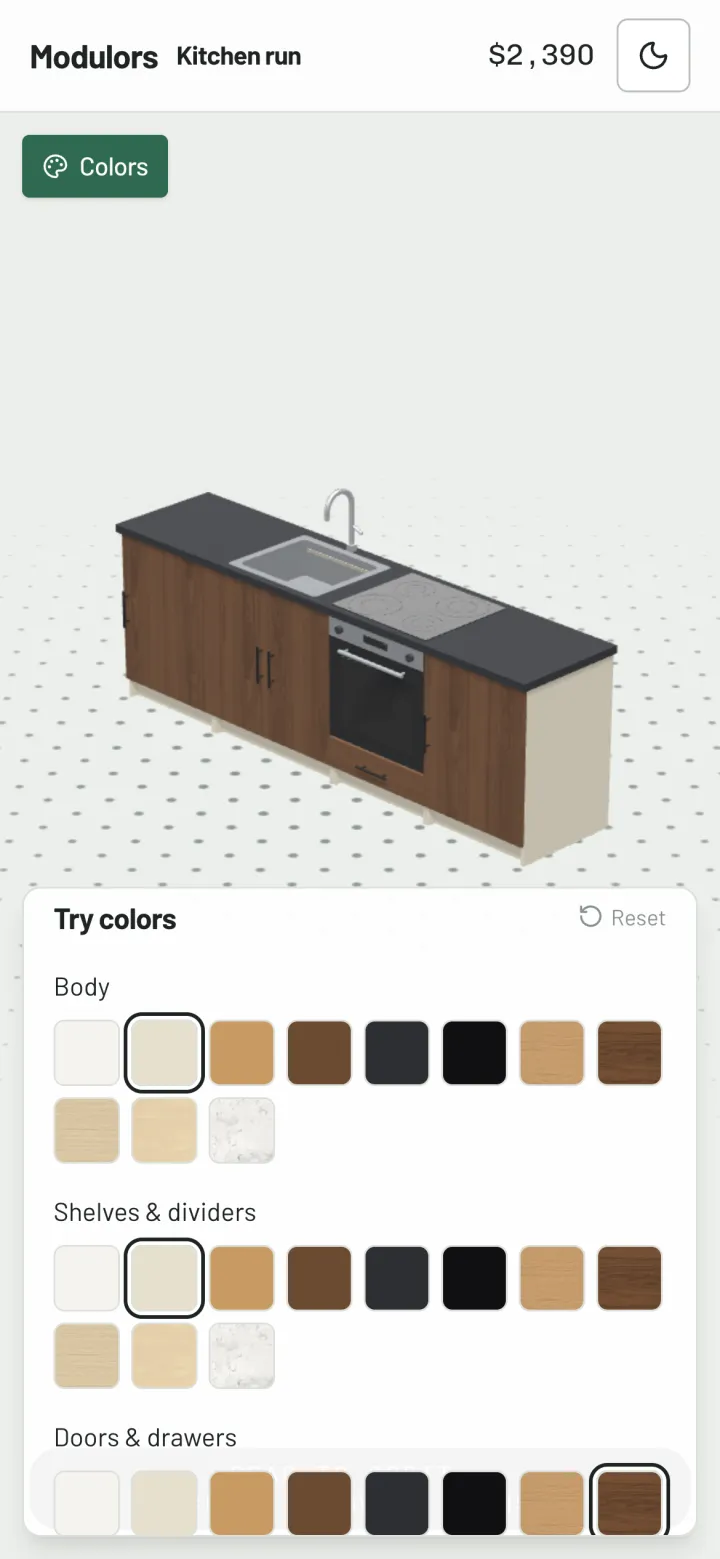
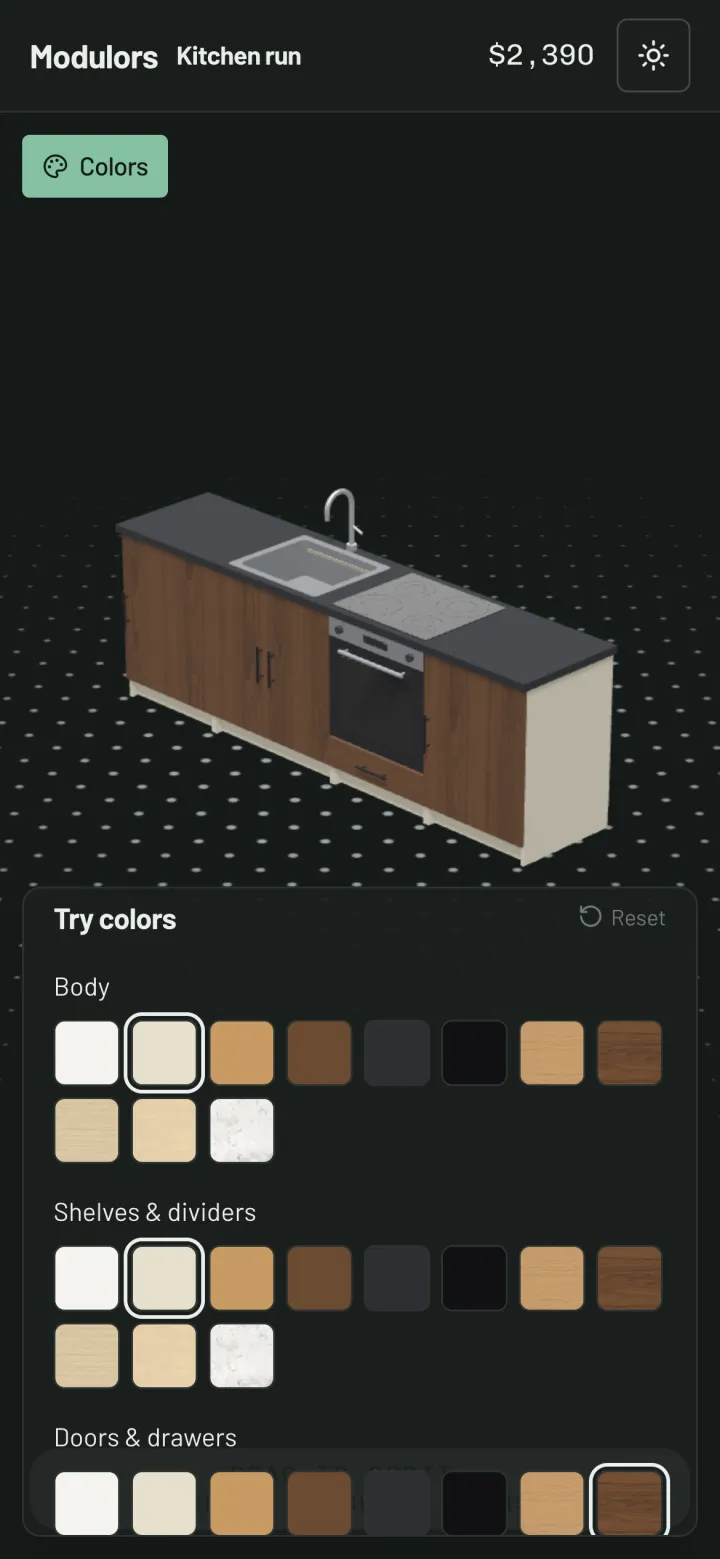
- Let them try colours: the colours of your palette on the body, the shelves, the doors and drawers, the handles and the countertop.
- What they try stays on their screen and changes nothing in your project. They tell you which colours they like.
3One link that stays up to date
Each design has one link, and your customer sees the version you last published, so a change you're still working on never reaches them.
- Change the design and press Update link: the same link shows the new version, with its price quoted again.
- The dialog tells you when you've changed the design since you last published it.
- Press Stop sharing and the link stops working for everyone who has it. Sharing again makes a new link.
What the link doesn't do
Two things to know before you send one.
- It's view only. Your customer can't change sizes or the layout, and there's no approving, commenting or ordering through the link: the colours they try aren't sent back, so they tell you which ones they want.
- There's no password. Anyone with the link can open it, including anyone your customer forwards it to, until you stop sharing.
Questions
Does my customer need an account or an app?
No. They open the link in a current browser on a phone, a tablet or a computer and see the design in 3D straight away.
Can my customer see my costs or my margin?
No. With Show the price on, they see one figure: your sell price for the design, with tax if you charge it. Your price list, costs and profit stay in your account.
What does my customer see after I change the design?
The version you last published, until you press Update link. Then the same link shows the new design and its new price; there's no new link to send.
Can my customer change the design?
No, the link is view only. If you let them try colours, they pick from your palette on their own screen and tell you which ones they like.
Does it work on a phone?
Yes. On a phone or a tablet they drag to turn the design, pinch to zoom and tap to open the doors and drawers. If you let them try colours, those open in a panel along the bottom.
Show your next design in 3D.
Start from a template, then press Share in the editor.
Free for 30 days — no card needed.
Sign in with a code sent to your email. No password to remember.